Japan is one of the most rewarding places to travel, and one of the places where mobile data helps most. Train transfers, restaurant searches, translating menus and finding your way out of a 30-exit station all go more smoothly with a reliable connection in your pocket.
Why you'll want data in Japan
- Trains and transfers. Maps apps give live routes, platforms and transfer times across Japan's rail and subway networks.
- Translation. Camera translation turns menus, signs and ticket machines into English in seconds.
- Finding places. Many addresses are hard to locate without a map, especially in older neighbourhoods.
- Bookings on the go. Restaurants, attractions and accommodation often send confirmations and changes by email or messaging apps.
Free Wi-Fi is available in many stations, cafés and convenience stores, but it can require sign-up and isn't there when you need directions between them.
Japan's mobile networks
Japan's main networks are NTT Docomo, KDDI (au), SoftBank and Rakuten Mobile. Coverage in cities and along major rail lines is excellent, with 5G widely available in urban areas. Signal can drop briefly in long tunnels and in remote mountain areas.
Our Japan plans include options on Docomo and on KDDI + SoftBank, so you can pick the network you prefer. The network is shown in each plan's name.
eSIM vs pocket Wi-Fi vs roaming
Pocket Wi-Fi rental has long been popular in Japan. It works, but you have to collect the device, keep it charged, carry it everywhere, and return it before you fly home. If you split up from your group, whoever doesn't have the device is offline.
Roaming on your home plan is simple, but daily fees add up quickly on a typical 10–14 day Japan trip.
A travel eSIM gives each person their own connection on their own phone, with nothing to collect, charge or return. Hotspot is included if someone in your group needs to share.
How much data do I need for Japan?
Japan trips tend to be navigation-heavy, with lots of photos and videos to share. As a rough guide:
- 5–7 days, mostly maps and messaging: 3–5 GB
- 10–14 days, sightseeing and social media: 5–10 GB
- Longer stays, video calls or working remotely: 20 GB or more
For a detailed breakdown by app, see How much data do I need?
Visiting Korea too?
We also offer a combined Japan and Korea plan, so one eSIM covers both legs of the trip.
Setting up before you fly
- Choose your plan on the Japan eSIM page.
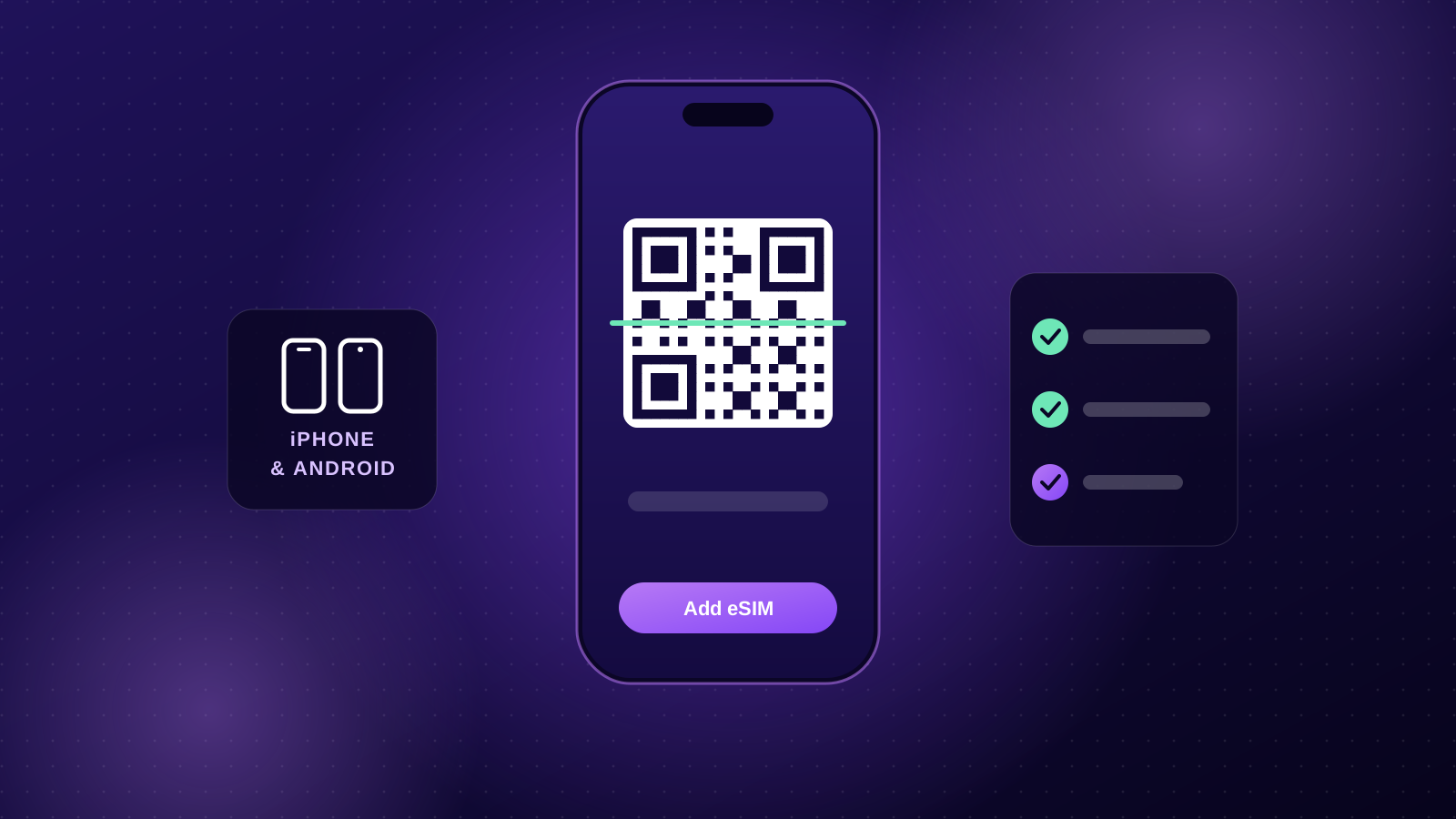
- Install it at home on Wi-Fi. Here's how to install on iPhone and Android.
- Keep the eSIM line switched off until you land. Your plan's days start when it first connects in Japan.
- When the plane lands at Narita, Haneda, Kansai or wherever you arrive, switch the eSIM on, select it for mobile data and turn on data roaming for the eSIM line.
Japan travel tips for staying connected
- Download offline maps of the cities you're visiting as a backup.
- Install a translation app with camera translation before you go.
- Carry a power bank. Navigation and photos drain batteries quickly on long sightseeing days.
- Keep your home SIM on (with its data roaming off) if you need SMS codes from your bank.
Ready for Japan? Browse Japan eSIM plans and have your QR code in your inbox within minutes.