Choosing a plan size is mostly guesswork, and nobody wants to run out halfway through a trip or pay for gigabytes they never use. The good news: once you know roughly what your apps use, it's easy to estimate.
How much data common apps use
These are rough guides. Real usage varies with app settings, video quality and network speed.
| Activity | Approximate data use |
|---|---|
| Messaging (WhatsApp, iMessage text) | A few MB per day |
| Maps and navigation | About 5–20 MB per hour of navigation |
| Web browsing and email | About 50–100 MB per hour |
| Voice calls over WhatsApp or FaceTime Audio | About 30–60 MB per hour |
| Music streaming | About 40–150 MB per hour, depending on quality |
| Social media with video (Instagram, TikTok) | About 300 MB to over 1 GB per hour |
| Video calls | About 300 MB–1.5 GB per hour |
| Streaming video in HD | Up to about 3 GB per hour |
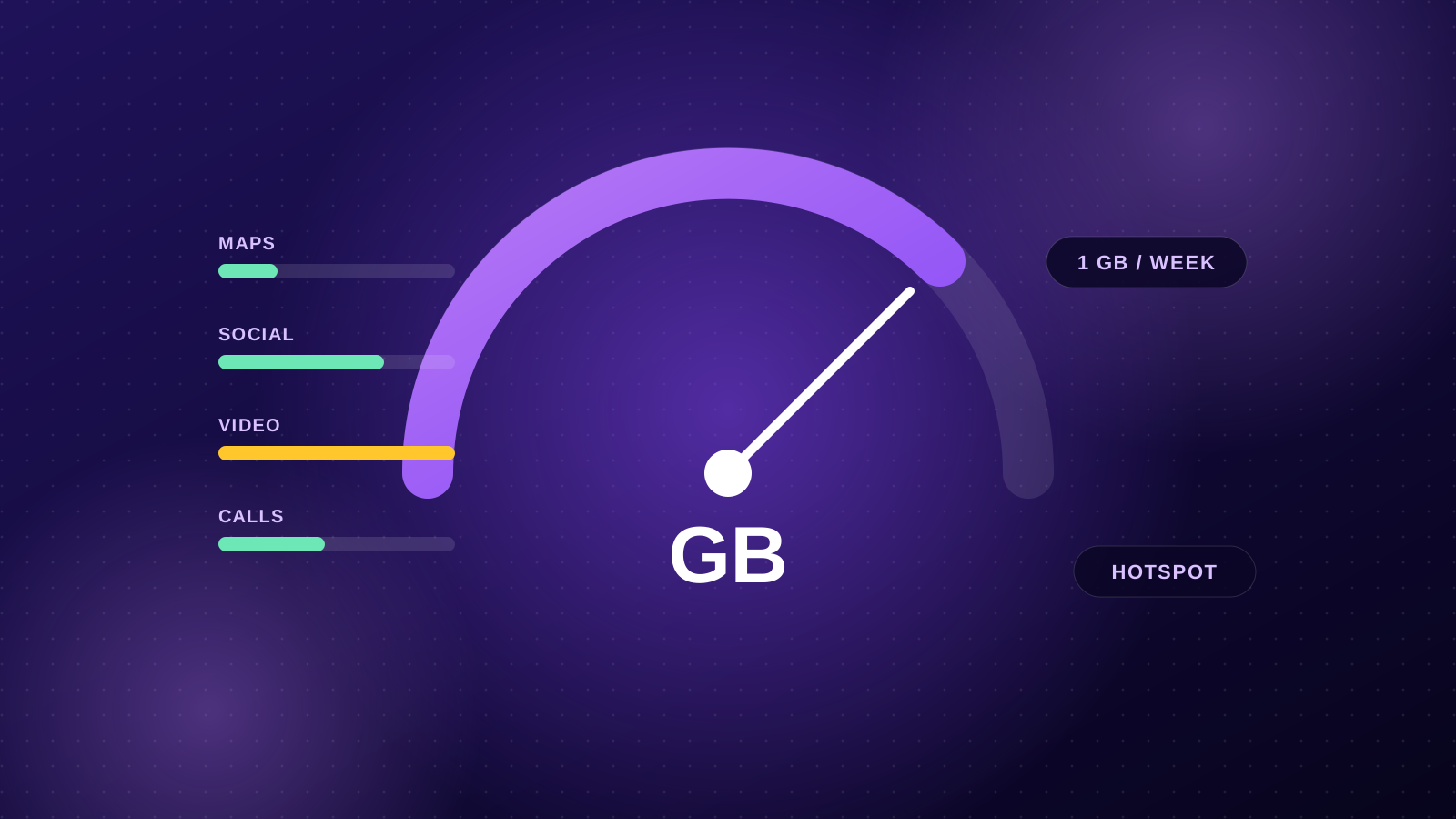
The pattern is simple: text and maps are cheap, video is expensive. A traveller who mostly navigates and messages can get by on very little; someone who posts Stories and video-calls home every night needs much more.
Quick estimates by travel style
- Light user: maps, messaging, some browsing and bookings. About 0.5–1 GB per week.
- Typical traveller: all of the above plus social media, photo sharing and a few calls. About 2–3 GB per week.
- Heavy user: video, regular video calls, or hotspotting a laptop for work. 5 GB or more per week, so look at the larger plans.
Examples
- Long weekend in Bali or Singapore, light use: a 1–3 GB plan is usually plenty.
- Two weeks in Japan, sightseeing and posting photos: around 5–10 GB.
- A month in Europe working remotely with a laptop hotspot: 20 GB or more.
If you're between two sizes, go one size up. Running short mid-trip is more hassle than a few spare gigabytes.
What happens if I run out?
It depends on the plan, and it's shown on each plan card. Most plans keep you connected at a reduced speed (for example 128 kbps, fine for messaging but slow for anything else) until the plan's days end. Some smaller plans stop when the data is used.
Either way, you can buy another plan for the same destination at any time.
7 ways to make your data last
- Download offline maps of the cities you're visiting before you go. Google Maps and Apple Maps both support this.
- Turn off video autoplay in Instagram, Facebook, X and YouTube settings.
- Pause photo backups over mobile data. Set iCloud Photos or Google Photos to back up on Wi-Fi only.
- Turn on Low Data Mode (iPhone: Settings → Mobile → Mobile Data Options) or Data Saver (Android).
- Download playlists, podcasts and shows at home or on hotel Wi-Fi.
- Lower video call quality or switch to audio when the picture isn't important.
- Watch your hotspot. Laptops download updates and sync files in the background, which can use gigabytes quickly.
Checking how much you've used
Your phone tracks usage per line. On iPhone, go to Settings → Mobile and look under your travel eSIM. On Android, check Settings → Network → Data usage and select the eSIM. Reset the counter when you install the eSIM so the numbers are easy to read.