If you've ever landed somewhere new and hunted for a SIM card shop, Wi-Fi password or roaming setting, an eSIM is the fix. It's the same mobile connection you're used to, delivered as a download instead of a piece of plastic.
This guide explains what an eSIM is, how a travel eSIM works, and the few things worth checking before your trip.
What an eSIM actually is
eSIM stands for embedded SIM. Instead of a removable card, your phone has a small chip soldered inside it that can store mobile plans digitally.
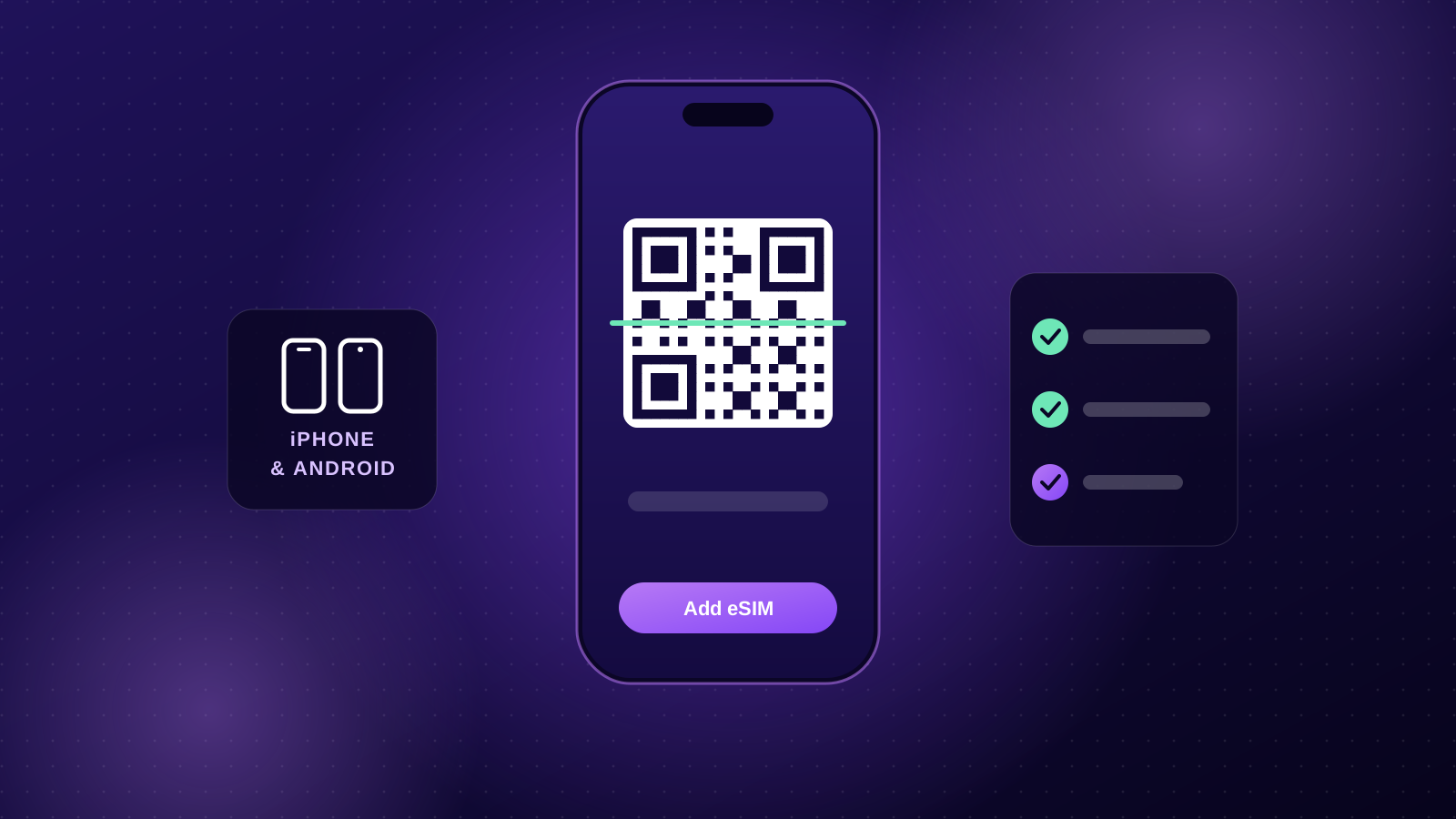
When you buy an eSIM, you're buying a profile: the details your phone needs to join a mobile network. You install it by scanning a QR code (or tapping an install link), and a minute or two later the plan appears in your phone's settings alongside your normal SIM.
Nothing is posted to you, and nothing needs to be swapped in or out.
How a travel eSIM works
A travel eSIM is a data plan for the place you're visiting. The process looks like this:
- Pick a plan for your destination, or a regional plan if you're visiting several countries.
- Get your QR code by email, usually within a minute or two of checkout.
- Install it at home on Wi-Fi before you fly, then leave the eSIM line switched off.
- Switch it on when you land, select it for mobile data, turn on data roaming for that line, and you're online.
The plan's days don't start when you buy it. With eSIMStar plans you have 90 days to start using it, and the days begin once the eSIM first connects to a network at your destination.
eSIM vs a physical SIM
Both do the same job. The differences are in the practical details:
- No shop, no queue. You buy and install an eSIM from your sofa. A physical travel SIM means finding a shop or airport kiosk, often with passport registration.
- Keep your home number. Your phone can hold several eSIMs alongside your regular SIM, so your home number stays active for calls and SMS codes while the eSIM handles data.
- Nothing to lose. There's no tiny card to keep track of, and no SIM tray tool needed.
- Multi-country trips are simpler. A regional eSIM can cover a whole continent and switches networks automatically as you cross borders.
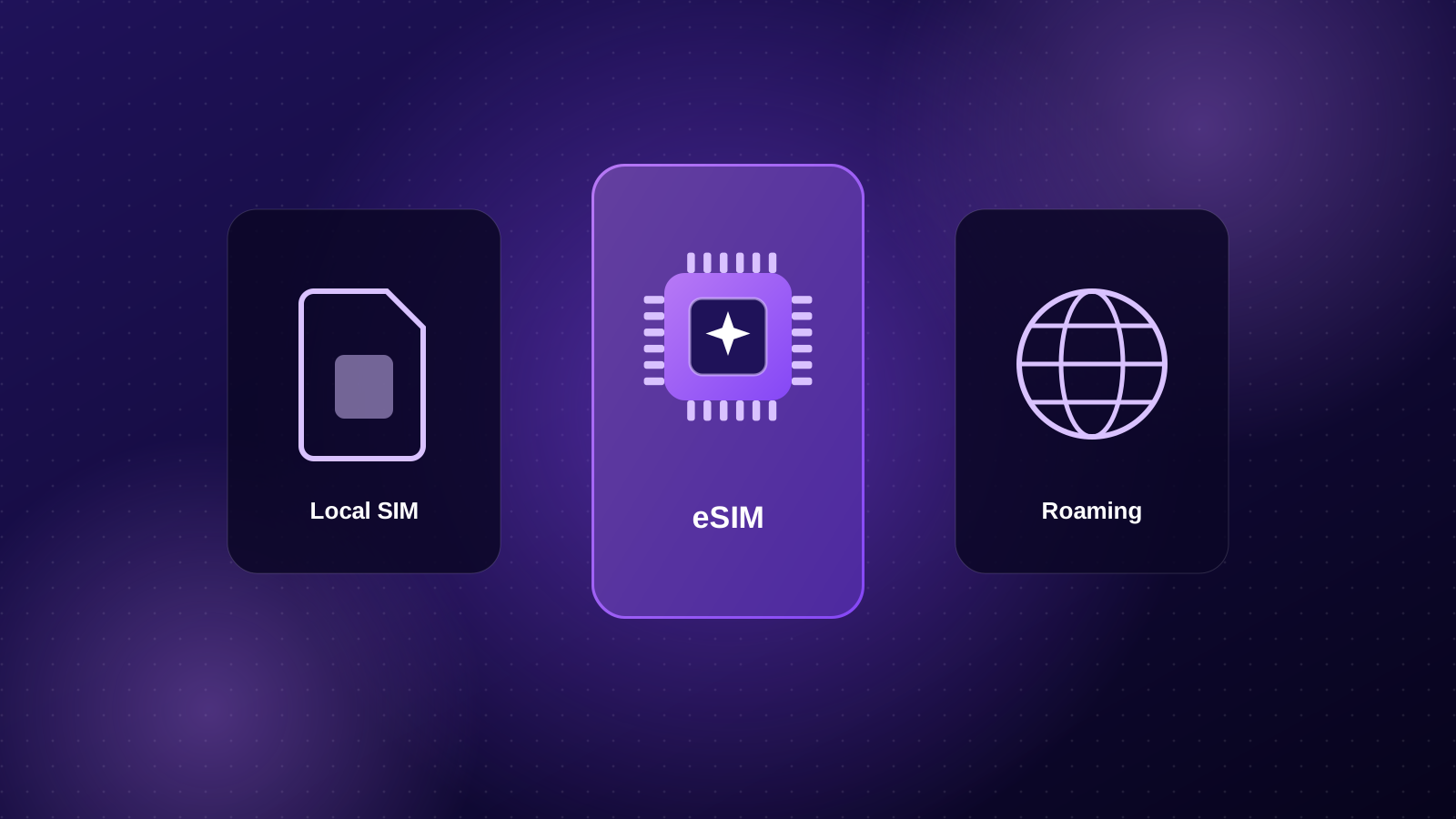
For a deeper comparison with roaming and local SIMs, see eSIM vs roaming vs local SIM.
Does my phone support eSIM?
Most phones released since 2019 do, including iPhone XS/XR and newer, Google Pixel 3 and newer, and Samsung Galaxy S20 and newer, plus many iPads and tablets.
Two things matter:
- The phone has eSIM hardware. Look for "Add eSIM" in your mobile or SIM settings.
- The phone is carrier-unlocked. A phone locked to your home carrier won't accept another provider's eSIM.
Our guide Does my phone support eSIM? walks through the checks step by step.
Calls, texts and WhatsApp
eSIMStar plans are data-only: there's no local phone number or SMS. In practice that rarely matters, because almost everything travellers use runs over data:
- WhatsApp, iMessage, FaceTime and Messenger calls and messages
- Maps, ride-share and translation apps
- Email, banking apps and social media
If you need to receive SMS codes from your bank, keep your home SIM switched on for calls and texts, with its data roaming turned off so your carrier doesn't charge you for data.
Is a travel eSIM worth it?
For most trips, yes. You know the price upfront, you're connected the moment you land, and you're not relying on patchy hotel or café Wi-Fi for maps and bookings.
Quick tip: Buy and install your eSIM a few days before you fly. If anything needs sorting, you'll have time to contact support while you're still at home on Wi-Fi.