Before you buy a travel eSIM, it's worth spending two minutes confirming your phone can use one. You need two things: eSIM hardware and an unlocked phone.
Quick answer: which phones support eSIM?
Most phones released since 2019 do, including:
- iPhone XS, XS Max and XR, and every iPhone since (including iPhone SE 2nd generation and later)
- Google Pixel 3 and newer
- Samsung Galaxy S20 and newer, plus the Galaxy Z Fold and Z Flip range
- Many recent phones from Motorola, Oppo, Xiaomi and others, plus many iPads and tablets with mobile data
Model names don't tell the whole story, though. The same phone can be sold with or without eSIM in different countries. For example, many iPhone models sold in mainland China use two physical SIM slots instead of eSIM. So it's always best to check the phone itself.
Check 1: does it have eSIM?
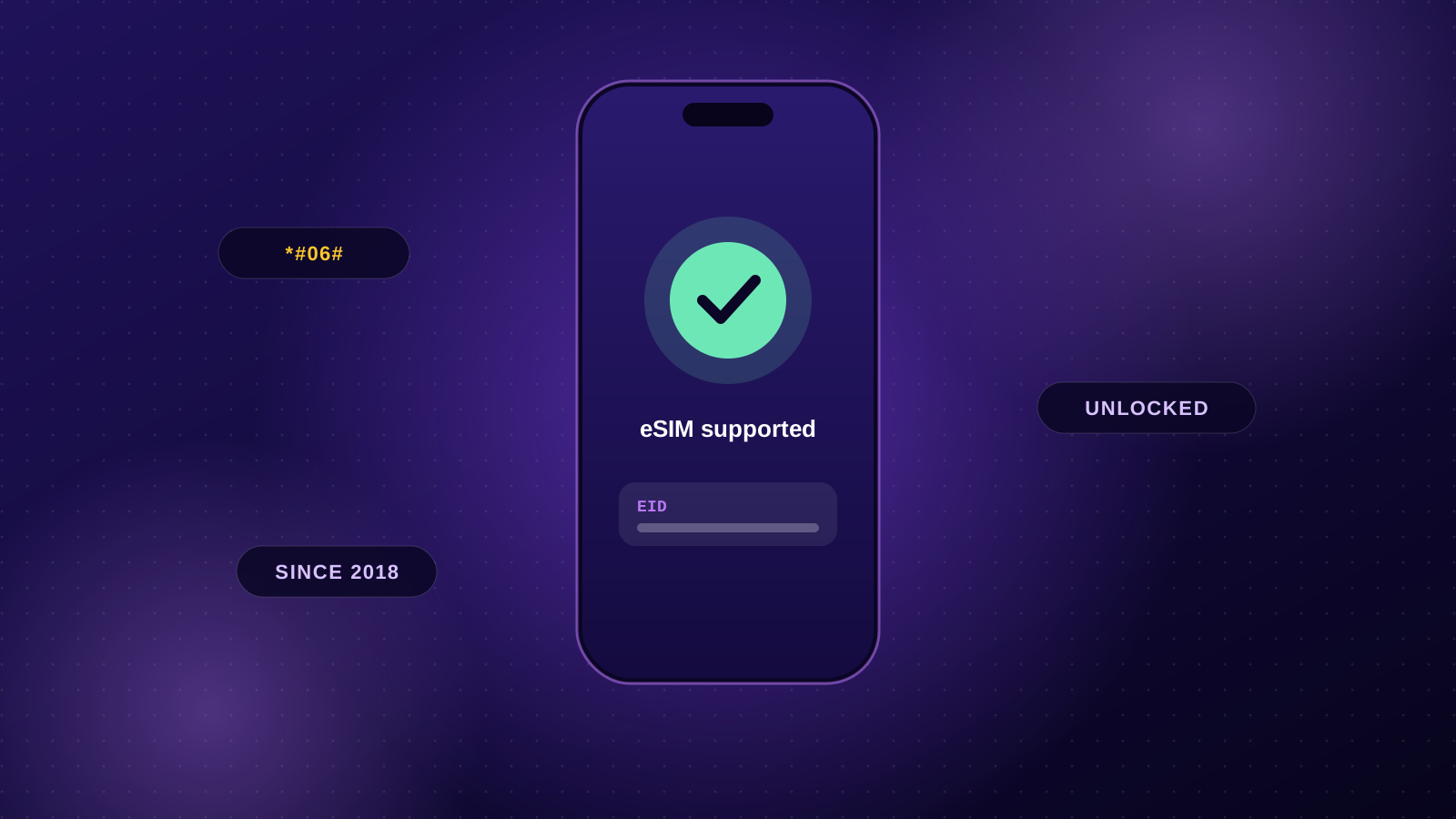
The universal test: dial *#06#
Open your phone app and dial *#06#. If you see a number labelled EID, your phone has an eSIM chip. (You'll also see your IMEI numbers; those are on every phone.)
On iPhone
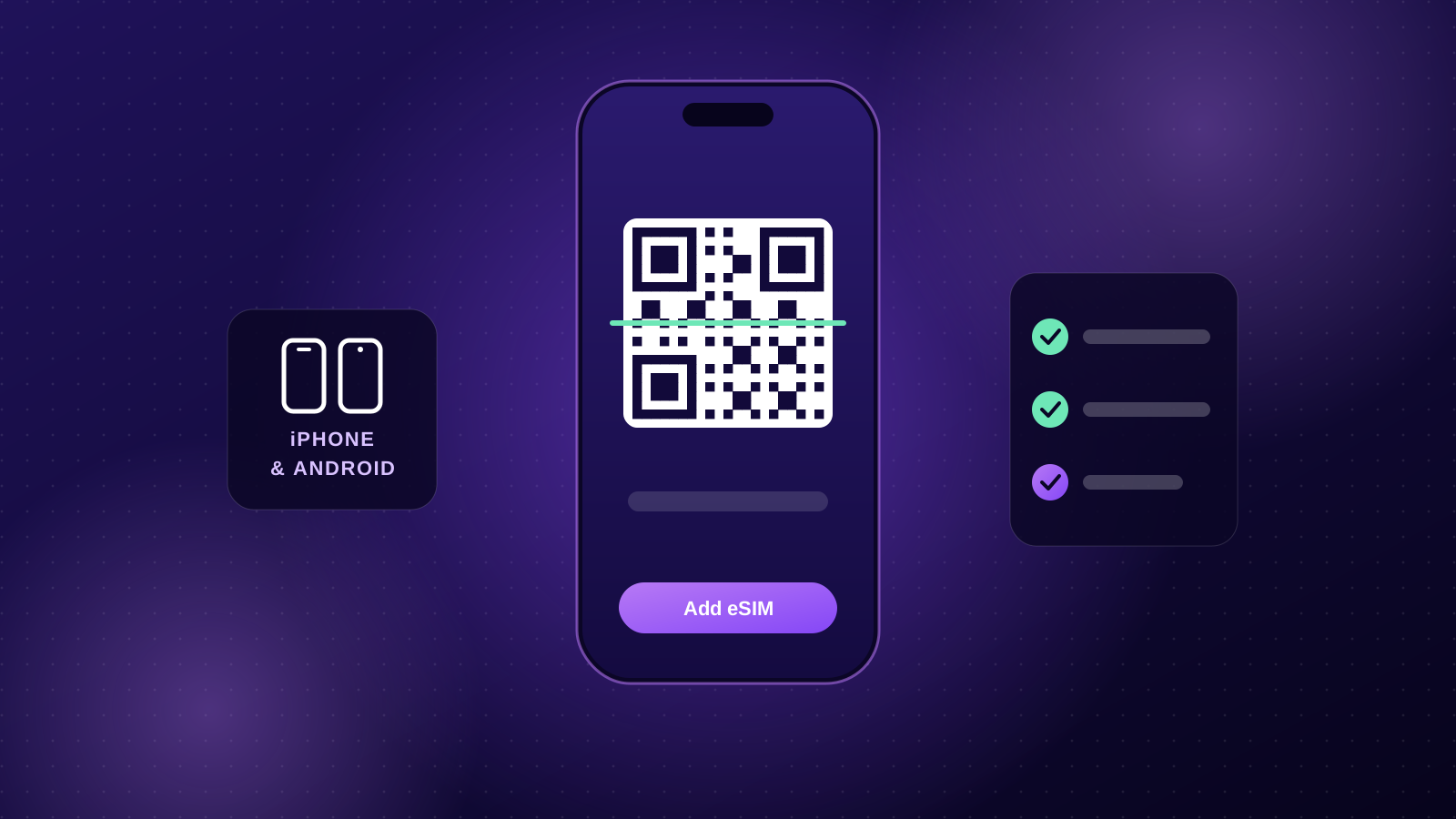
Go to Settings → Mobile (or Cellular). If you see Add eSIM, you're good. You can also check Settings → General → About and scroll down for an EID entry.
On Samsung Galaxy
Go to Settings → Connections → SIM manager. An Add eSIM option means it's supported.
On Google Pixel
Go to Settings → Network & internet → SIMs. If you can add a SIM by downloading it, the phone supports eSIM.
Check 2: is it unlocked?
A phone that's locked to your carrier can only use that carrier's SIMs and eSIMs. Phones bought outright are usually unlocked; phones on some contracts or prepaid deals may not be.
On iPhone
Go to Settings → General → About and look for Carrier Lock (called Network Provider Lock in some regions). No SIM restrictions means it's unlocked.
On Android
There's no single setting across all brands. The simplest checks:
- Ask your carrier whether the phone is unlocked, or request an unlock (often free once the device is paid off).
- If you have a friend's SIM from a different carrier, put it in. If it connects, your phone is unlocked.
My phone doesn't support eSIM. What now?
- Check for an unlock. If the only problem is a carrier lock, your carrier can usually remove it.
- Use a second device. An eSIM-capable iPad or spare phone can run the travel eSIM and share data with your main phone via hotspot. Hotspot is included with eSIMStar plans.
- Upgrading soon? If a new phone is on the cards, almost every current flagship supports eSIM, and some (like recent US-model iPhones) are eSIM-only.
Common questions
Can I keep my normal SIM in while using an eSIM? Yes. Your phone can hold your home SIM and one or more eSIMs. You choose which line handles data.
Will installing an eSIM change my phone number? No. eSIMStar plans are data-only, so your home number stays exactly as it is.
I have an older phone with eSIM. Will it work abroad? If it supports eSIM and is unlocked, yes. Older phones may not support 5G, but they'll use 4G wherever the plan offers it.